
Typical remote workflows force teams to manage their production assets in two places, local and cloud storage. With creative.space these both become one.



Typical remote workflows force teams to manage their production assets in two places - local and cloud storage. With creative.space, these two places become one through our enterprise storage at your facility that can be accessed remotely at any time. We focus on the user experience, replacing the cloud with “fog”, blurring the boundaries between cloud and on-premise workflows..
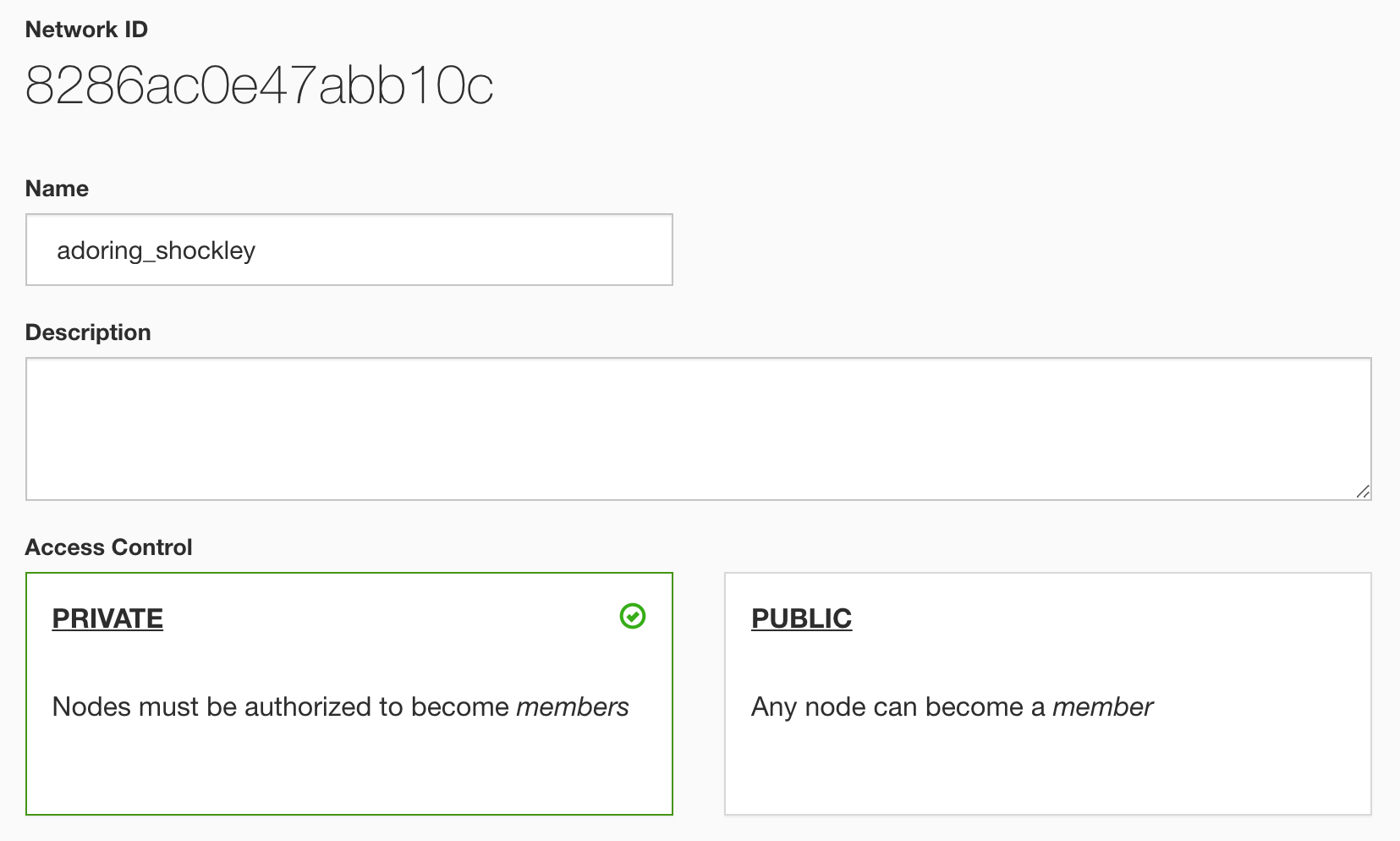
We don't care what VPN you use, we just want to help you access Spaces wherever you are so you can create and collaborate. We've integrated the ZeroTier client into each creative.space node so that you can get started for free with your own encrypted virtual networks. For customers wanting a hardware VPN, we've integrated with Fortinet, enabling users to log in with their creative.space credentials.
Today, all of the major post production applications has their own form of proxy workflow. The key to achieving real-time playback is to keep bandwidth underneath the right threshold. Typically, that means a 1 GbE connection to the storage and proxy video files that are under 15 MB/s. Everyone's workflow is unique, but we've done lots of testing with each application and are excited to help you make the most of your available resources.




We don't care what VPN you use, we just want to help you access Spaces wherever you are so you can create and collaborate. We've integrated the ZeroTier client into each creative.space node so that you can get started for free with your own encrypted virtual networks. For customers wanting a hardware VPN, we've integrated with Fortinet, enabling users to log in with their creative.space credentials.
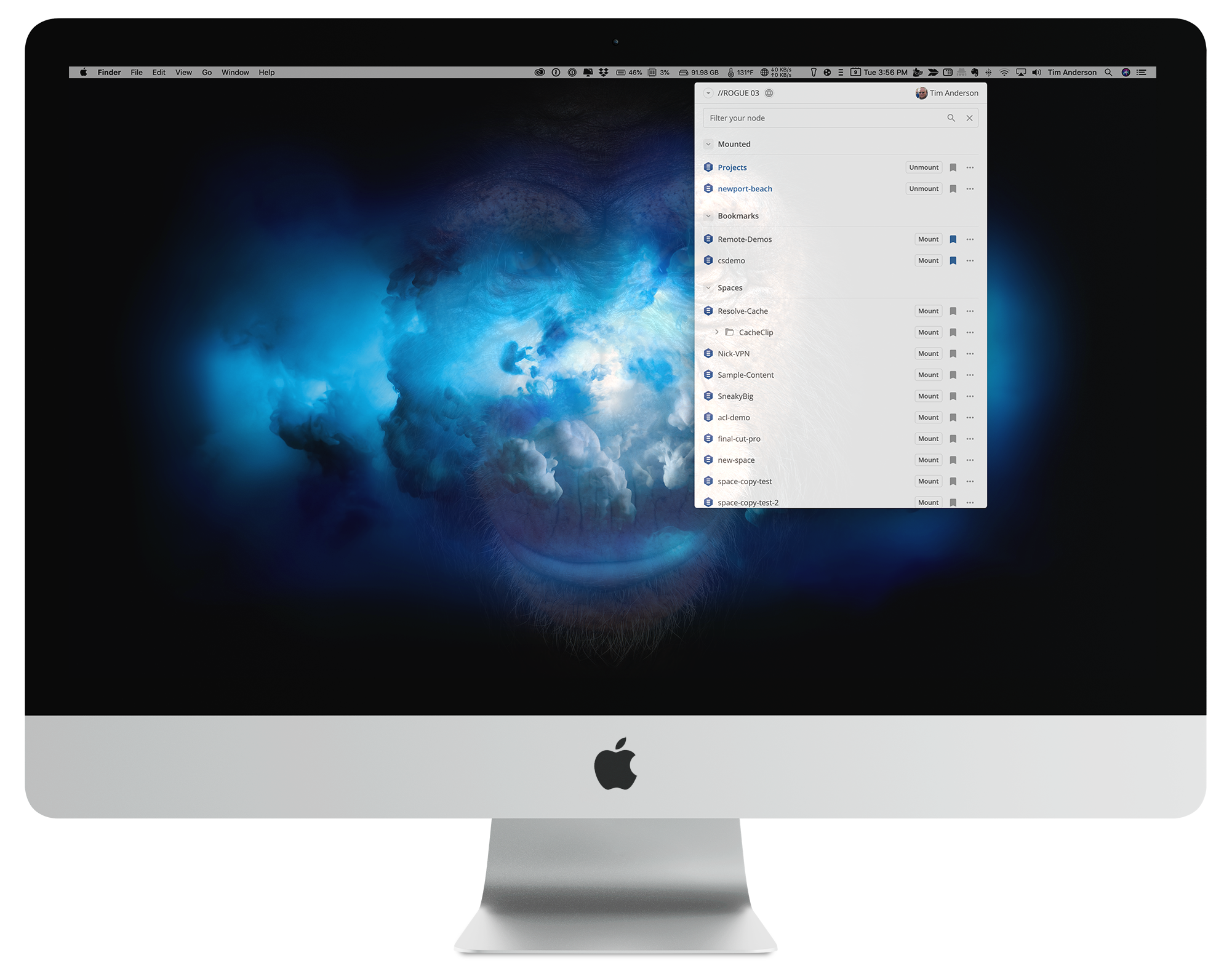
Once you've connected to a network using ZeroTier or any other VPN client, you can add remote nodes to the creative.space Desktop App as if they were local. Users can mount remote Spaces with the click of a button. As always, all access is authenticated using the built-in user management system.
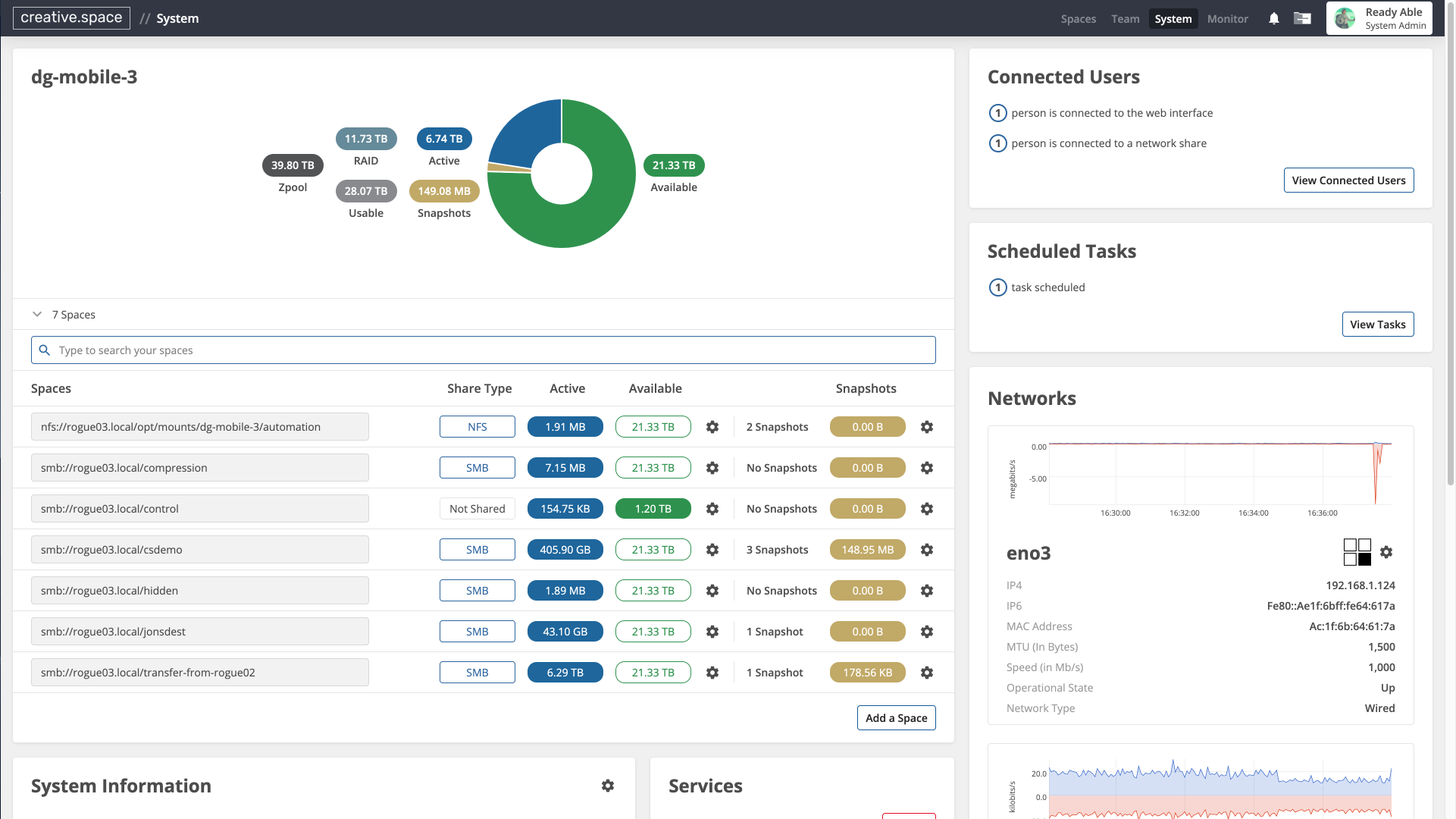
The system page of the creative.space Web App makes it easy to manage all of the network connections for your node. Every NIC port can be viewed here, including traffic visualizations and IP addresses. Now, each of your ZeroTier connections can be viewed and managed from here as well.
Today, all of the major post production applications has their own form of proxy workflow. The key to achieving real-time playback is to keep bandwidth underneath the right threshold. Typically, that means a 1 GbE connection to the storage and proxy video files that are under 15 MB/s. Everyone's workflow is unique, but we've done lots of testing with each application and are excited to help you make the most of your available resources.